Download AppDash AI Link for Mac & Windows.
The runner that gives VibeTest its reach. Pair it with your Jira once, and every test you press Run on executes for real on your own machine — reaching localhost, VPN, and SSO-gated staging that cloud runners can’t — then streams the result back to the issue. Free, and your code never leaves your laptop.
Also available for WindowsAlso available for Mac
Version 1.9.9macOS & WindowsFree
macOS: ~224 MB, universal (Apple Silicon & Intel). Windows: ~101 MB, 64-bit. Signed installers, downloaded directly — no sign-in. All releases & checksums
The half of VibeTest that runs on your machine.
You author tests in Jira. This app is the runner — it executes them locally with your own browser sessions and logins, so they reach the systems a cloud runner never could.
Paired to your Jira
Link it once to your Atlassian site. Press Run on any issue and the job lands here — results and screenshots post straight back to the ticket.
Reaches what the cloud can’t
Because the test runs on your machine, it can hit localhost, VPN-only services, and SSO-gated staging using your existing sessions.
Private by design
No external backend. Secrets live in your OS keychain. Only the verdict and screenshots return to Jira — see the security model.
What you’ll need.
macOS 13 Ventura or later
A single universal build for both Apple Silicon and Intel Macs. The installer is an Apple-notarized .dmg, so Gatekeeper validates it offline — no “unidentified developer” prompt. The app updates itself in the background.
Windows 10/11 (64-bit)
A signed installer for 64-bit Windows 10 and 11. It’s Authenticode-signed and installs per-user — no admin rights needed — and updates itself in the background, just like on macOS.
VibeTest in Jira
The app pairs with VibeTest, which you install from the Atlassian Marketplace (free). That’s where you write tests and see results.
From download to first test in three steps.
A couple of minutes, start to finish. The full walkthrough is in the setup guide.
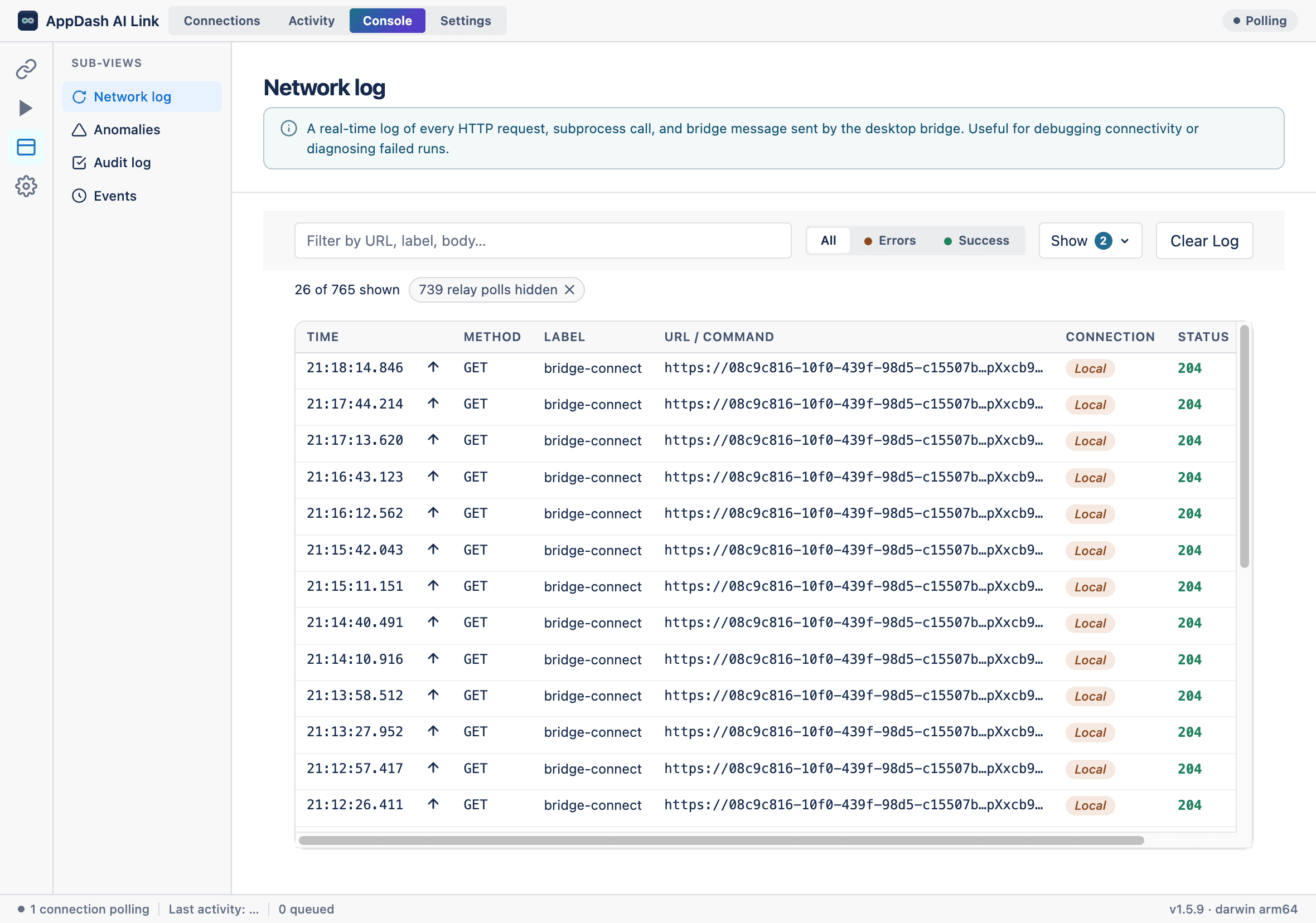
Install the desktop app
On macOS, open the .dmg and drag AppDash AI Link into Applications. On Windows, run the signed installer — it sets up per-user, no admin needed. Because both builds are signed, the app opens without a security warning.
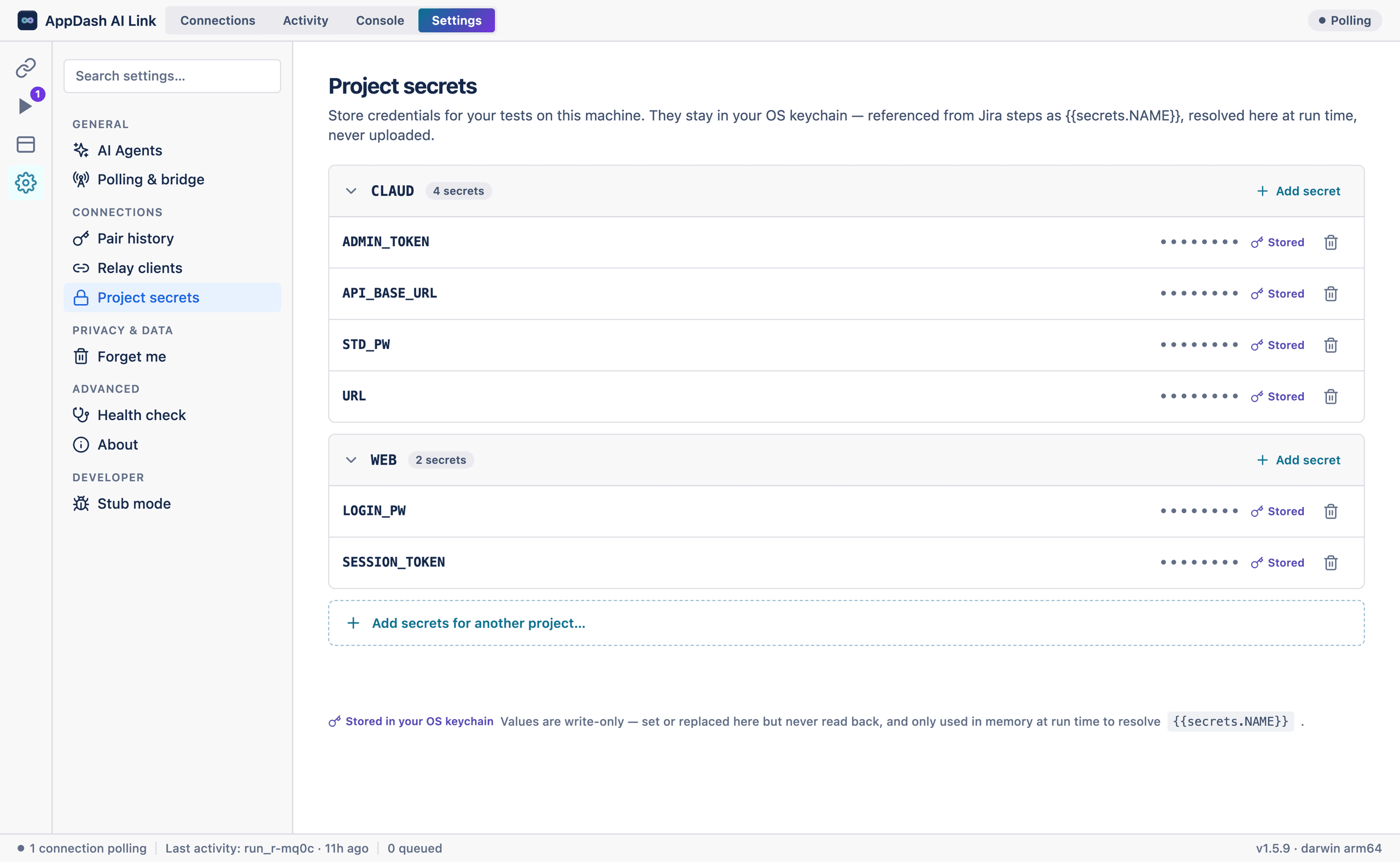
Pair with Jira & add your secrets
Scan the pairing code to link the app to your Atlassian site, then store any test logins write-only in your OS keychain. Credentials are resolved at run time and never uploaded.
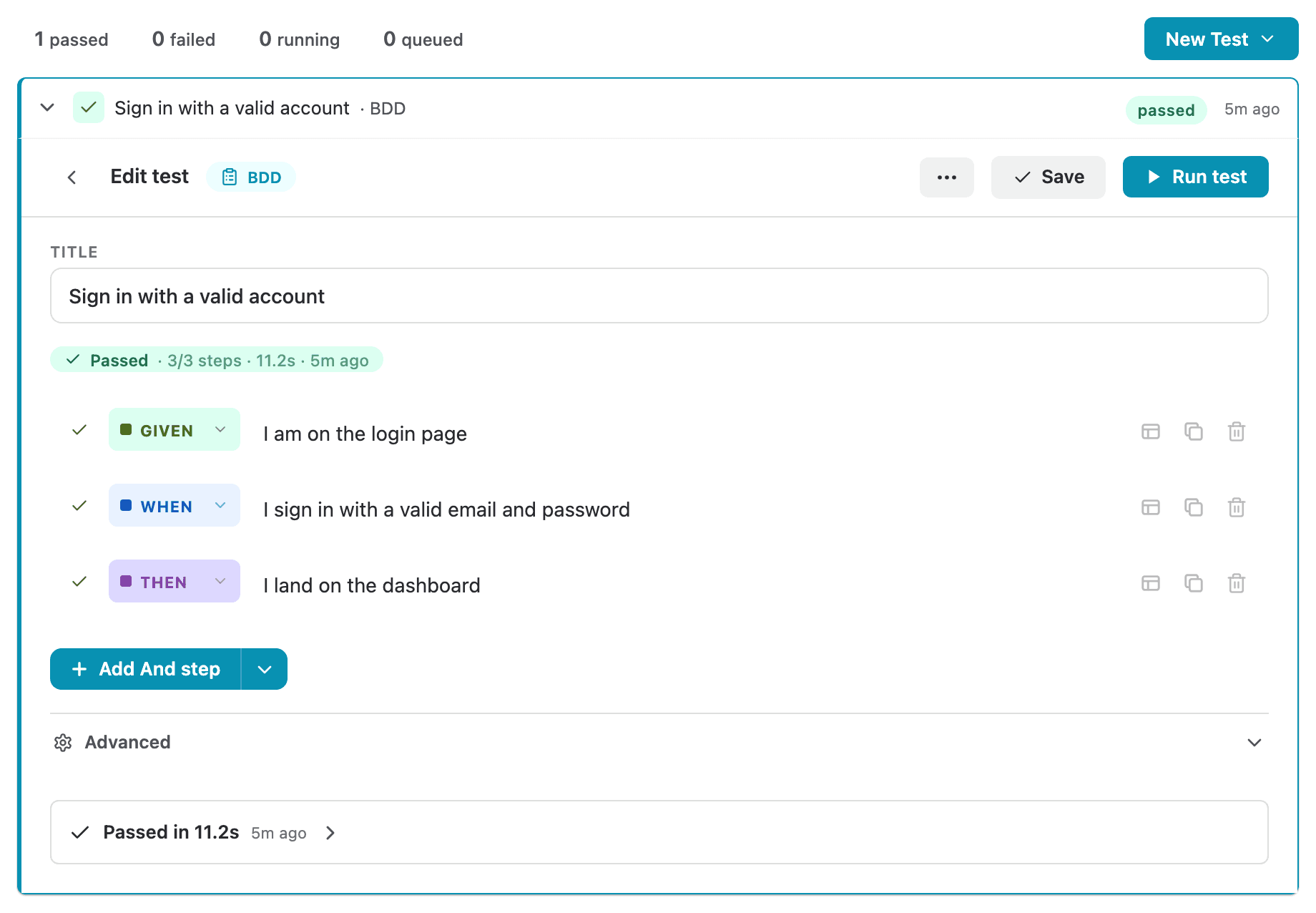
Run tests from any Jira issue
Press Run on an issue. The job executes on your machine, and per-step results plus screenshots post straight back to the ticket — pass or fail, where your team already works.
Common questions.
Do I need anything besides this app?
Yes — VibeTest for Jira, which you install free from the Atlassian Marketplace. Jira is where you author tests and read results; this desktop app is the runner that executes them.
Will my computer warn that it can’t verify the developer?
No. On macOS the app is signed with an Apple Developer ID and notarized by Apple, then stapled, so Gatekeeper validates it offline. On Windows the installer is Authenticode-signed, so it installs with a verified publisher — not an “unknown publisher” warning. It opens like any trusted app.
Which computers are supported?
macOS 13 Ventura or later — a single universal build runs natively on both Apple Silicon and Intel Macs — and 64-bit Windows 10 or 11.
Does it update itself?
Yes. The app checks for new versions and updates in the background, so you stay on the latest release without re-downloading.
What does it cost?
The desktop app is free. VibeTest’s own plans are on the pricing page.
Test what cloud runners can’t — free.
Download the app for Mac or Windows, pair it with Jira, and run your first test in minutes. Don’t have VibeTest yet? Install it from the Marketplace first.